Rebuilding Thrive: The Research, Evidence, and System behind a New Platform
Thrive TRM
How might we replace an eight-year-old platform without losing the customers who depend on it?
Overview
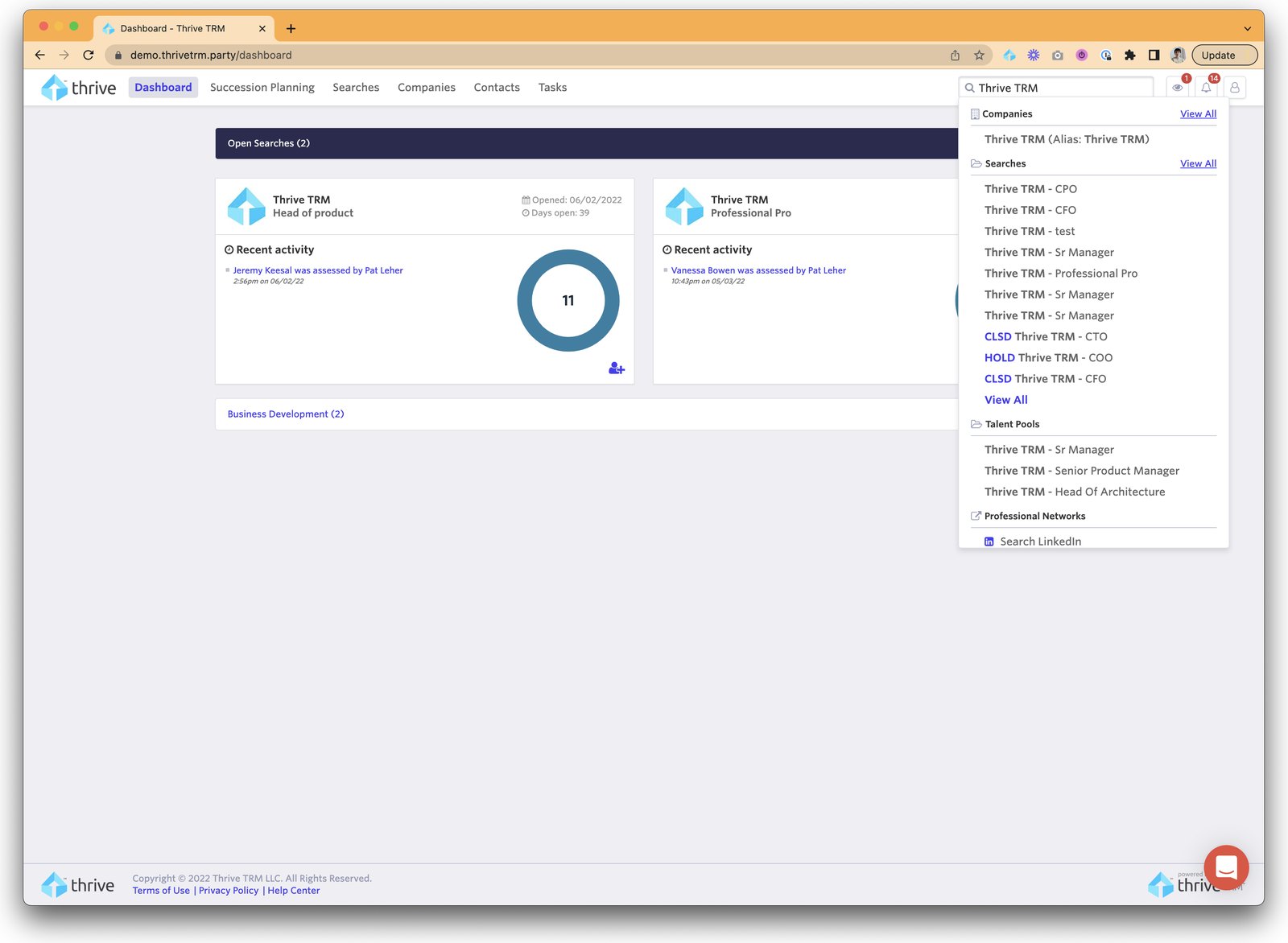
Thrive TRM is a talent relationship management platform for executive search firms and enterprise recruiting teams. When I joined in August 2022, the app was eight years old: pages took one to five minutes to load, five different code bases could share a single page, and new customers struggled to get started. Even the developers were asking for a rebuild.
Before the first new screen was designed, the company needed evidence that the old app couldn't be saved, an understanding of who it was building for, and a design system engineering would actually use. Between 2022 and 2025 I helped lead all three, working week to week with product, engineering, QA, DevOps, and leadership. I went on to design about half of the updated product and was promoted to senior in April 2026.
My Part in the Rebuild
01 Helped Make the Case to Rebuild
I was one of three people who built the case for a rebuild. We ran cross-functional audit workshops with the whole product organization, including executives, tech leads, and QA, while engineering ran a parallel tech debt audit. I facilitated the workshops, sorted the findings into 12 categories, owned the accessibility findings for US and EU compliance, and presented half of the recommendations.
The evidence was hard to argue with. Any change to the old app started with asking what each element was even built with. Leadership approved a full rearchitecture instead of another refactor.
02 Built the Company's First Research Base
The company had no customer journey maps and no research repository. A month in, I was asked to lead journey mapping. Between August 2022 and January 2023 we ran 16 recorded interviews across three segments: executive search, private equity and venture capital, and enterprise in-house recruiting. I ran the executive search segment end to end, ran the enterprise segment with a major customer, and facilitated a journey-mapping workshop for each segment.
Most companies don't know how to run a workshop with several roles in the room. Thirteen years of teaching helped. I tightened the discussion guides, the workshop materials, and the process between sessions. The result was the company's first real research repository, with artifacts engineering, product, and design kept using. It also changed how the company saw design: getting access to users for testing went from a fight to a conversation.
03 Taught the Team Discovery
I wrote the discussion guides for our major research and trained product managers and designers in discovery, including live sessions with friendly clients where they could watch me work and ask why I did things a certain way. The teams shifted toward better research goals and built up customer discovery before the rebuild began. It changed how they wrote product briefs, and I kept answering questions as they ran their own research.
04 Chose a Design System Both Teams Would Use
A design system only works if design and engineering both adopt it, so we set the criteria together. In July 2023 we chose MUI (version 5 at the time), with MUI X for the complex data grids the app depends on. It was a group effort, and a lot of work for all of us.
| Criterion | Why It Mattered |
|---|---|
| Up-to-date Figma design system | Designers needed a starting point, not a blank file. |
| Robust, well-maintained front-end library | Engineers needed it to still exist in a year, on current languages. |
| Accessibility basics built in | Compliance work shouldn't start from zero. |
| Complex elements built from existing ones | Less new code for each new pattern. |
| System-wide theming | Color and type changes propagate everywhere. |
| A solid knowledge base | Both design and engineering could look things up. |
I reviewed every component, group, and layer, ran workshops on color, type, icons, and global navigation, implemented the decisions in Figma, and owned accessibility across the system. When Figma Dev Mode launched, I presented it to engineering and worked one-on-one with engineers until it stuck.
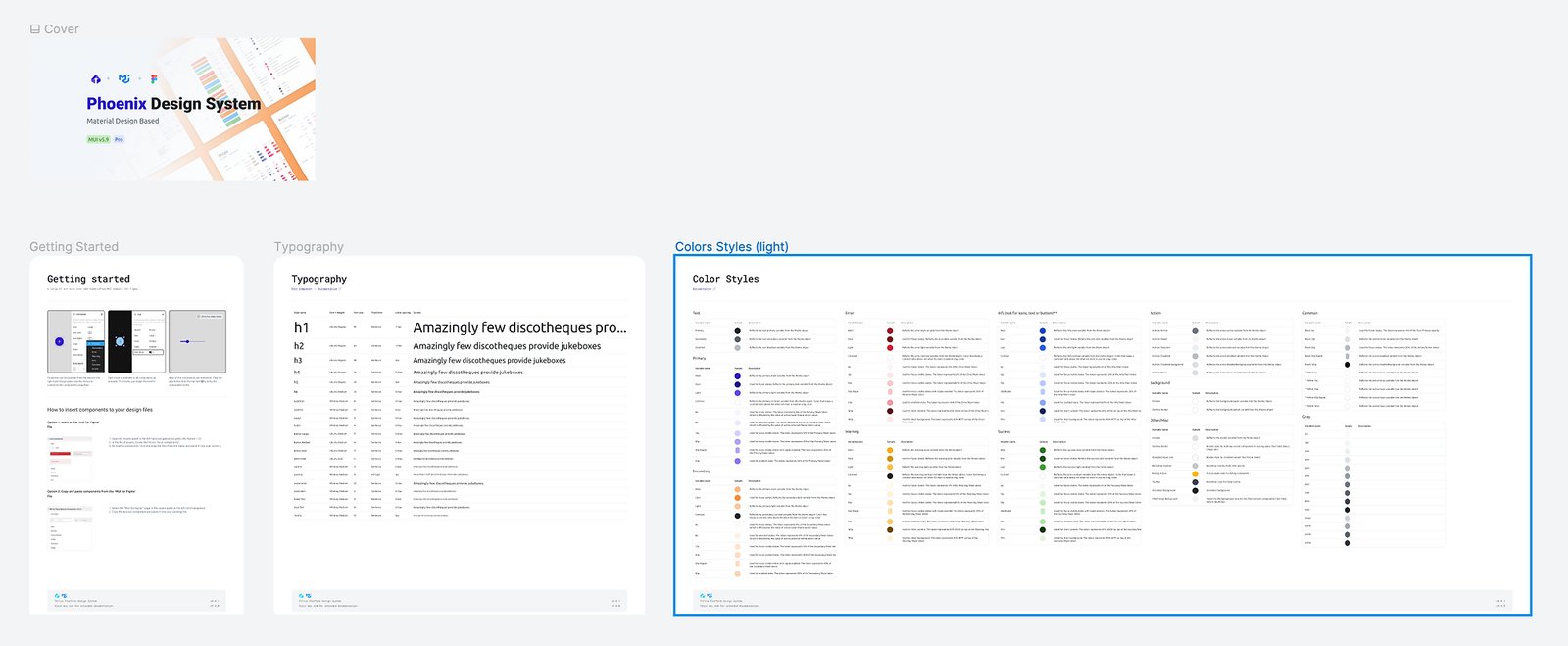
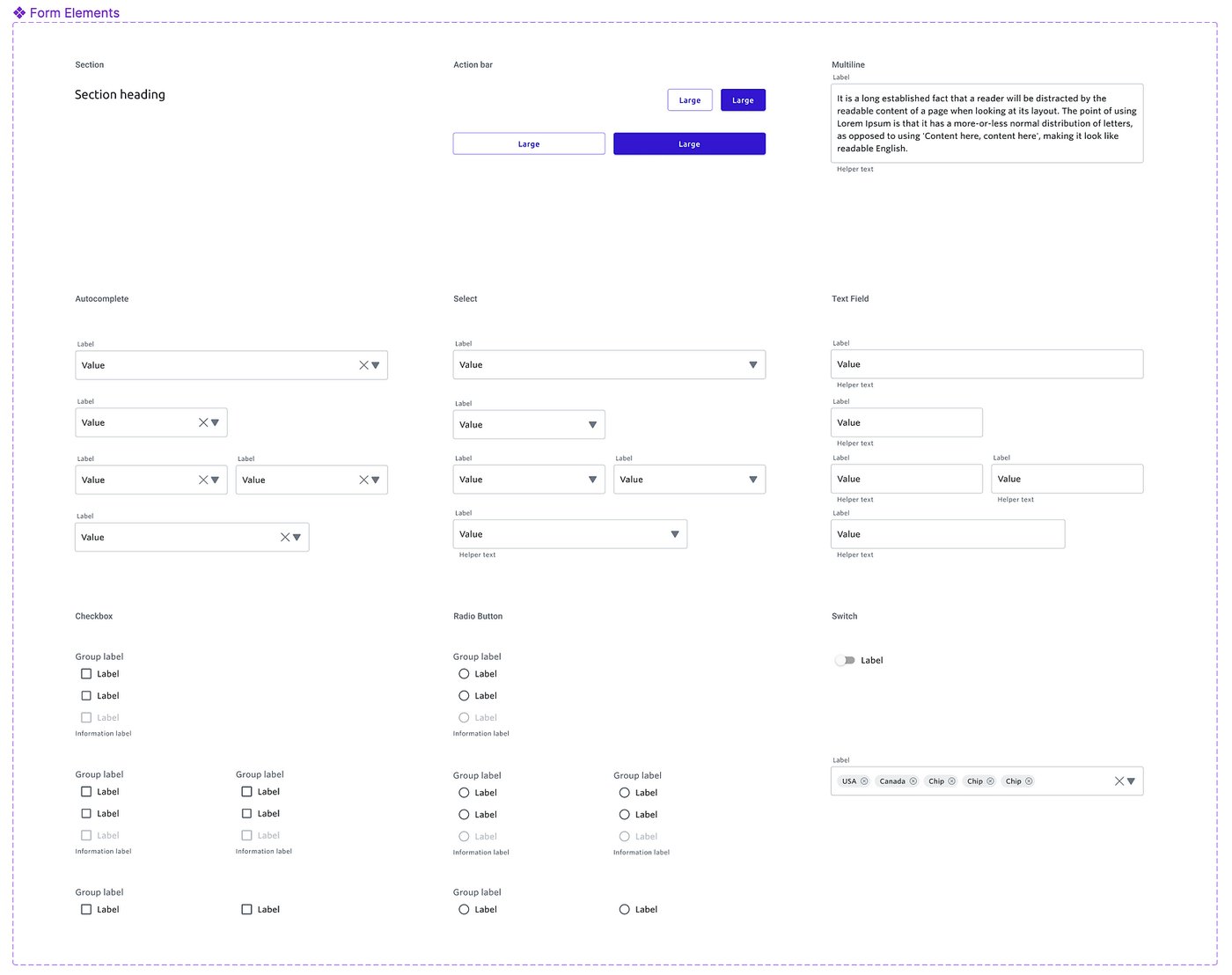
What I'd do differently: the tooling for our design system and front-end component documentation lost its budget, so we fell back to Confluence, and engineering use dropped when two front-end engineers moved on. Without shared documentation, components were coded inconsistently across the app for at least the first six months of the rebuild, starting in July 2023. Next time I'd build the documentation habit before the tooling, and agree with engineering on one source of truth for how components are built, so neither depends on a budget line.
What I Designed
Over four years I worked on nearly every part of the product at some point, from the first screens of the updated Thrive to the integrations and admin tools that shipped right before I left.
- Searches and projects: pulling candidates in from other projects, surfacing similar projects, self-service reporting on the highest stage a candidate reached, project filters, and the project overview dashboard.
- People and companies: company profiles, notes, the activity timeline, the people activities tab, faster ways to add candidates, CSV bulk people upload, scorecards inside and outside projects, and deleting people and companies.
- Off-limits: more than ten improvements, from clearer restriction cards to restrictions that apply to a single project.
- Outreach, email, and calendar: sending email from outreaches, moving candidates between stages, outreach campaign management, Google Calendar sync, and the Gmail and Outlook add-ons.
- LinkedIn: three phases of the LinkedIn Chrome extension, including PDF import and adding people to lists, plus the LinkedIn CRM connection.
- Client-facing work: Thrive Apply, Search Requests, and report branding that firms set up themselves in admin.
- Admin and platform: account settings and integrations, notification preferences, SSO and SAML, GDPR requests, the public API and its permissions, and the integrations marketplace.
- The first screens of the updated Thrive: login and signup, user preferences, filters, company cards in search results, the notification center, and dashboards.
In 2026 the team moved from static Figma screens to code-based prototypes built with AI, and I was the first designer to hand off a feature that way.